“Protecting Childhood Innocence Starts Here”
Parents today are overwhelmed. They’re handed books with vague descriptions, hidden themes, and no real way to know what their children are being exposed to. Families deserve clarity. Children deserve protection.
That’s why BookLens exists.
BookLens is a breakthrough, parent‑first platform that cuts through the noise and gives families honest, values‑aligned insight into what’s inside the books their kids bring home. It’s simple. It’s trustworthy. And it’s built for the world we’re living in right now.
But BookLens isn’t just another app — it’s a shield. And we protect it with the same seriousness that parents protect their children.
We’ve built a fortress around this platform:
Exclusive ownership of all code, models, and data
Encrypted, secure infrastructure that keeps families safe
Mission‑aligned contracts that prevent misuse or exploitation
Continuous monitoring and backups to ensure reliability
Zero tolerance for selling or sharing user data
BookLens is secure, independent, and uncompromising — because parents deserve a tool they can trust.
And the impact is already real. Families are using BookLens to navigate thousands of titles with confidence. Churches, schools, and community groups are asking for access. The demand is growing faster than we can build.
That’s where you come in.
Your investment accelerates everything:
Expanding our book database
Strengthening our rating models
Reaching new communities
Equipping parents with tools they’ve never had before
Every dollar directly fuels a platform that protects children and empowers families.
$25 helps us review new children’s titles.
$50 strengthens our security and infrastructure.
$500 brings BookLens into new school districts and communities.
BookLens is more than a project — it’s a movement. And with your partnership, we can give parents across the nation the clarity they’ve been waiting for.
Join us. Protect childhood innocence. Empower families. Build something that lasts.
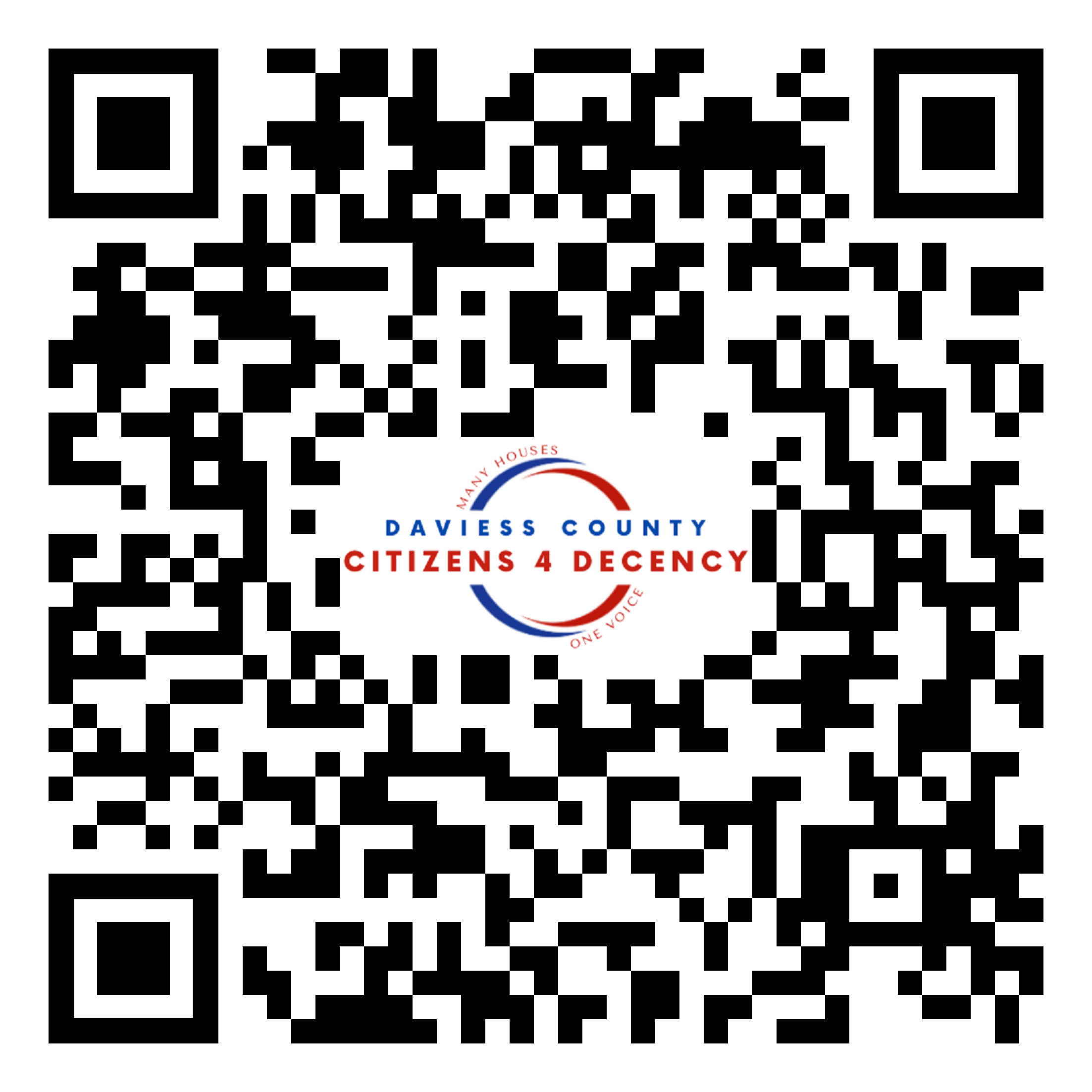
Getting started is simple. Scan this QR code or visit booklens.dcc4d.com
Download and Installation Instructions
1. Scan QR Code or enter booklens.dcc4d.com in your browser
2. Tap share on the menu
3. Scroll down to “Add to Home Screen” and tap it.
4. This Icon should appear on your Home Screen
5. Tap to Open
6. Tap “Request Camera Permissions”
7. A pop-up will appear. Choose “Allow”
8. From here directions depend upon your phone.
9. You’ll be given a choice of cameras. Choose between front and back and the camera with the clearest picture.
10. You’re all set. Use your camera to scan the ISBN barcode on the back of any book.